Is there an AI exterior paint visualizer?
Yes. An AI exterior paint visualizer helps turn a real photo of your home into paint previews by identifying the parts of the exterior you want to recolor and applying new color options to those areas.
If your search starts with "Exterior Paint Visualizer AI", the fastest way to make progress is to upload a real photo of your house and test paint options on the exact exterior you are planning to change.

Scan to download
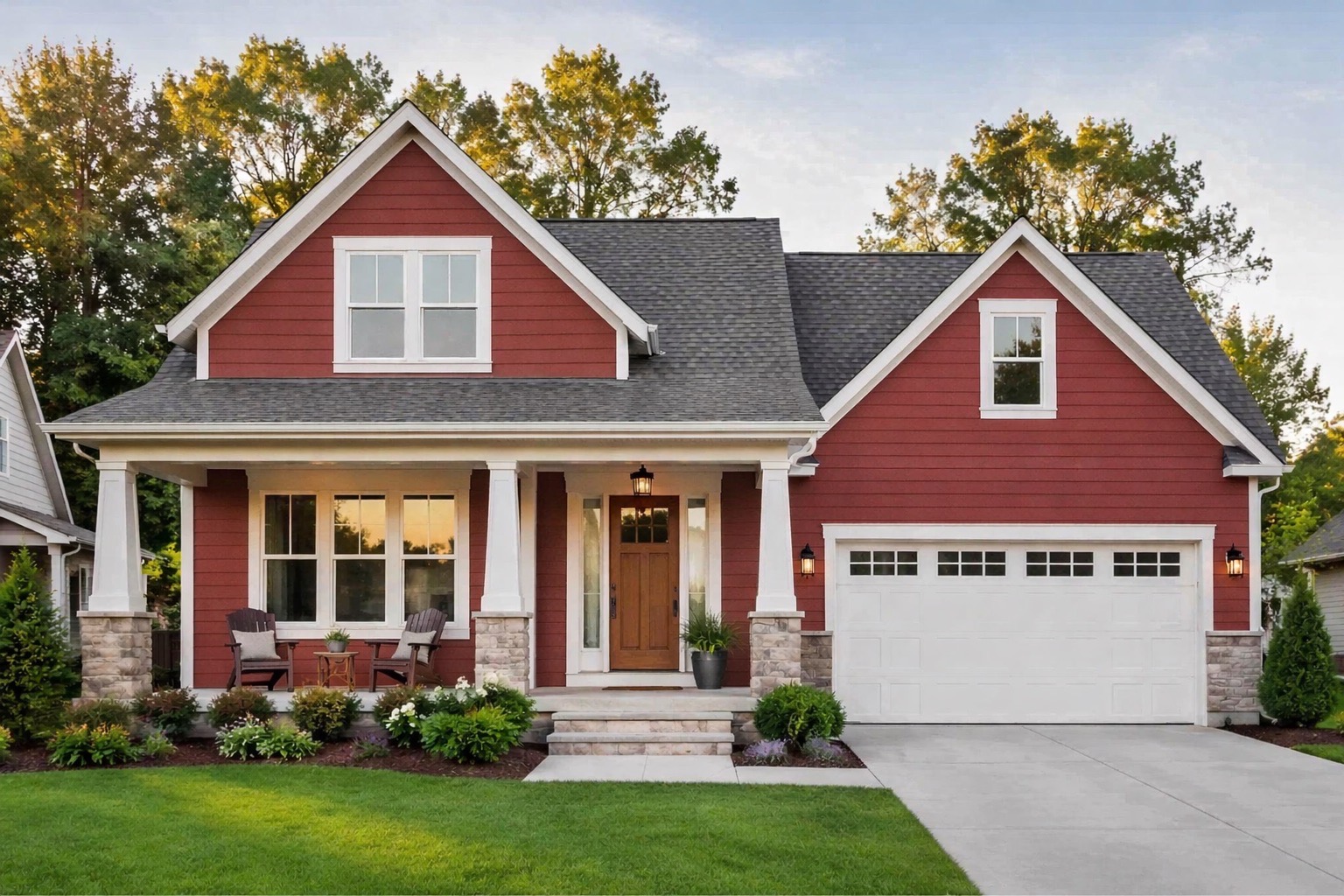
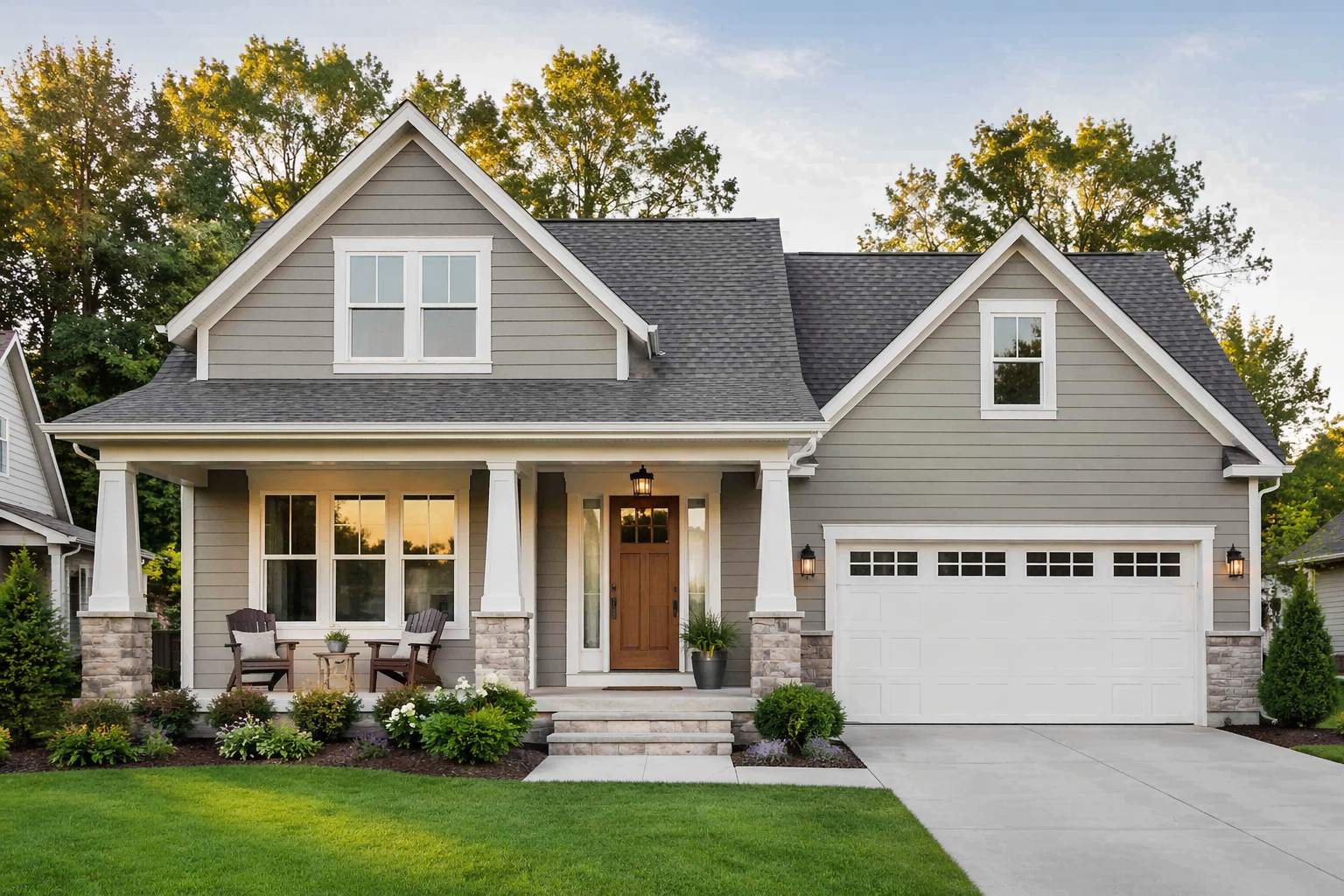
Built for exterior decisions
Every page on this site leads to the same workflow: upload a real photo of your home, isolate the right exterior surfaces, compare real paint brands, and save the versions worth discussing.
Exterior paint decisions get easier when the exact facade, roofline, stone, and landscaping are visible from the beginning.
Keeping the same image and surface masking makes it much easier to judge subtle differences between whites, neutrals, darks, and accent colors.
Body color, trim, shutters, doors, garage doors, and accents usually need to be judged as one composition instead of isolated swatches.
Saved previews work well in family discussions, contractor presentations, client reviews, and any approval process where everyone needs the same reference point.
Common questions
Yes. An AI exterior paint visualizer helps turn a real photo of your home into paint previews by identifying the parts of the exterior you want to recolor and applying new color options to those areas.
AI helps speed up surface selection and paint preview generation. The practical benefit is that you can spend less time masking areas manually and more time comparing siding, trim, door, shutter, and garage color options.
No. AI previews are best for narrowing choices and seeing the full facade. Final paint colors should still be checked with physical samples because real paint changes with sunlight, shade, texture, sheen, and weather.
Download Exterior Paint Visualizer on iOS and start with a real photo instead of guesswork.
Download on the App Store
Scan to download